Your clipboard, across all your Macs.
or via Homebrew
$ brew install --cask cloudcraft-ai/tap/clipbob
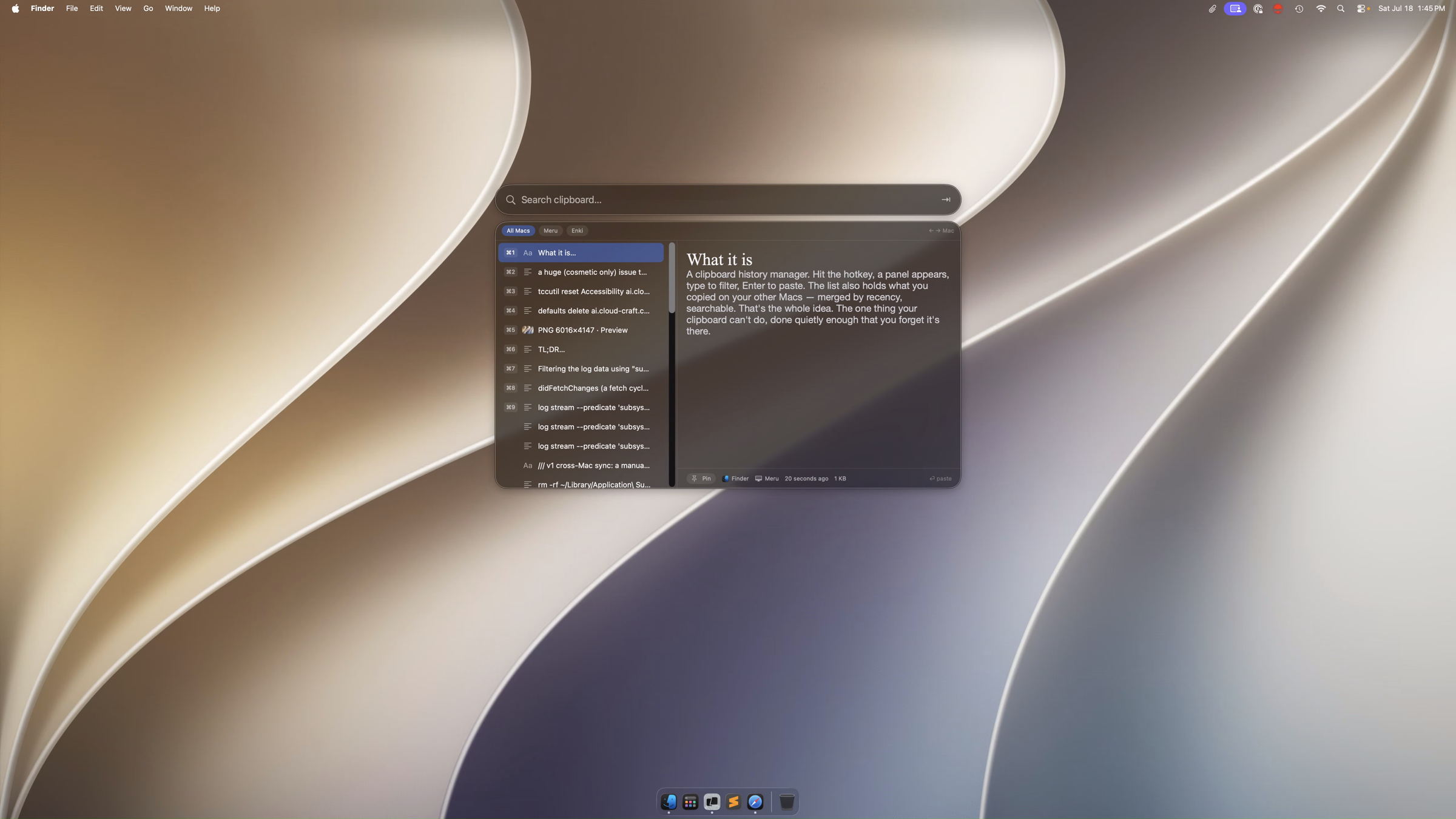
What it is
ClipBob remembers what you copy — on every Mac you own — and gives it back with one keystroke. Synced silently through your own iCloud. Free.
A clipboard history manager. Hit the hotkey, a panel appears, type to filter, Enter to paste. The list also holds what you copied on your other Macs — merged by recency, searchable. That's the whole idea. The one thing your clipboard can't do, done quietly enough that you forget it's there.
Your clipboard stays yours
No account to create. No ClipBob server. No analytics. Just your Macs and your iCloud.
Your history moves between your Macs over CloudKit's private database — visible only to you, only on the Macs signed into your Apple ID. Nothing passes through a ClipBob server, because there isn't one. Fully end‑to‑end encrypted when you have Advanced Data Protection on. We hold no keys.
When your password manager — or any app — marks a copy as secret, ClipBob skips it entirely: it's left in the clipboard, never enters your history, never syncs. Same for transient copies apps mark as throwaway. If you didn't mean to keep it, ClipBob doesn't.
Copy a file and ClipBob remembers where it is, not what's in it — it stores the path, and hands the path back when you paste. It never opens or reads the file. That's why ClipBob needs no Full Disk Access, and never prompts for your Desktop, Documents, or Downloads. File references never sync — they stay on the Mac that made them.
Two, and no more: Accessibility, so pressing Return can paste into your app (optional — ⌘V works without it), and iCloud, for sync. No file access, no camera, mic, contacts, or automation. On disk, your history sits behind FileVault like everything else.
Small on purpose
One hotkey. Type to filter. Enter to paste.
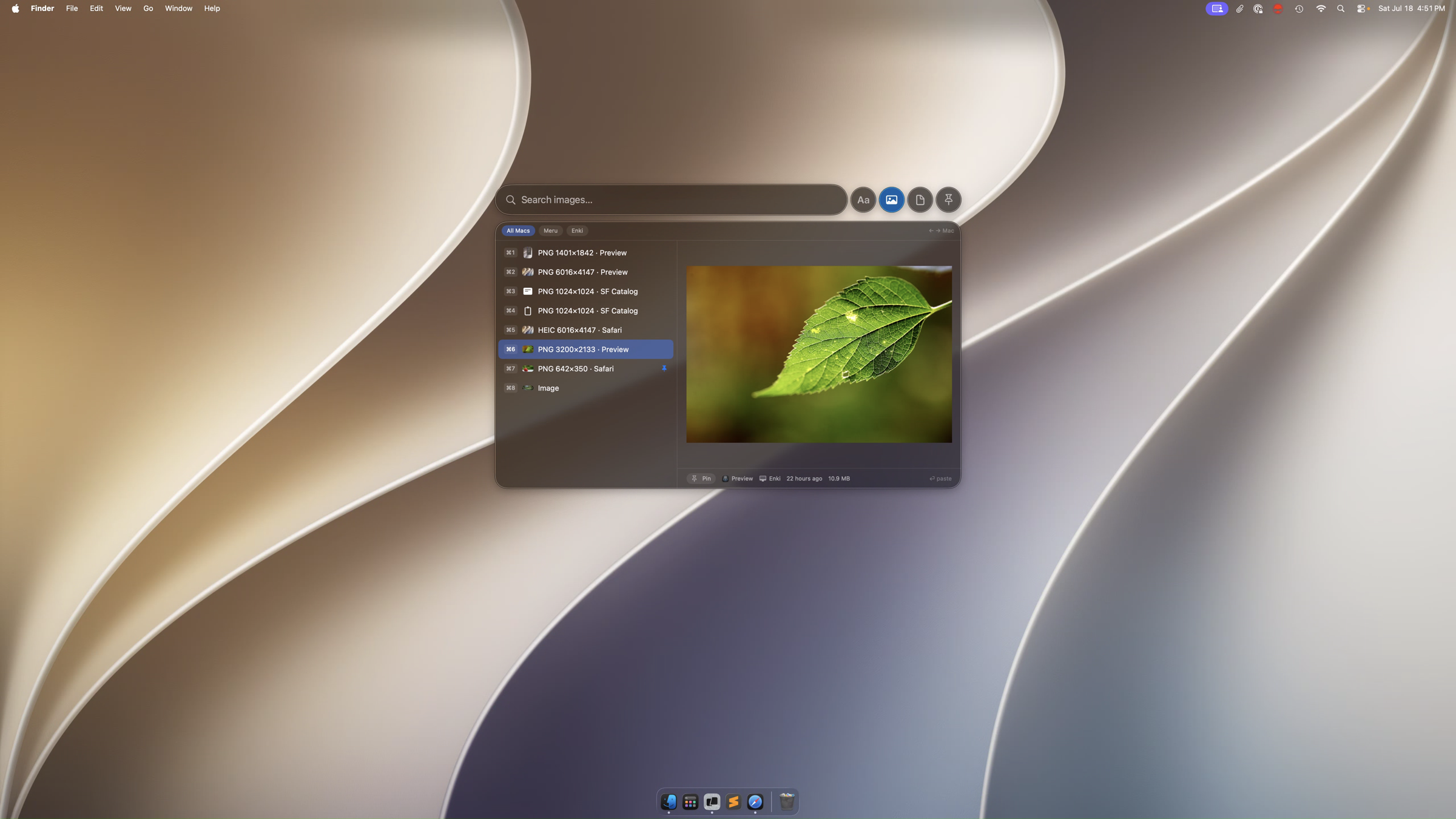
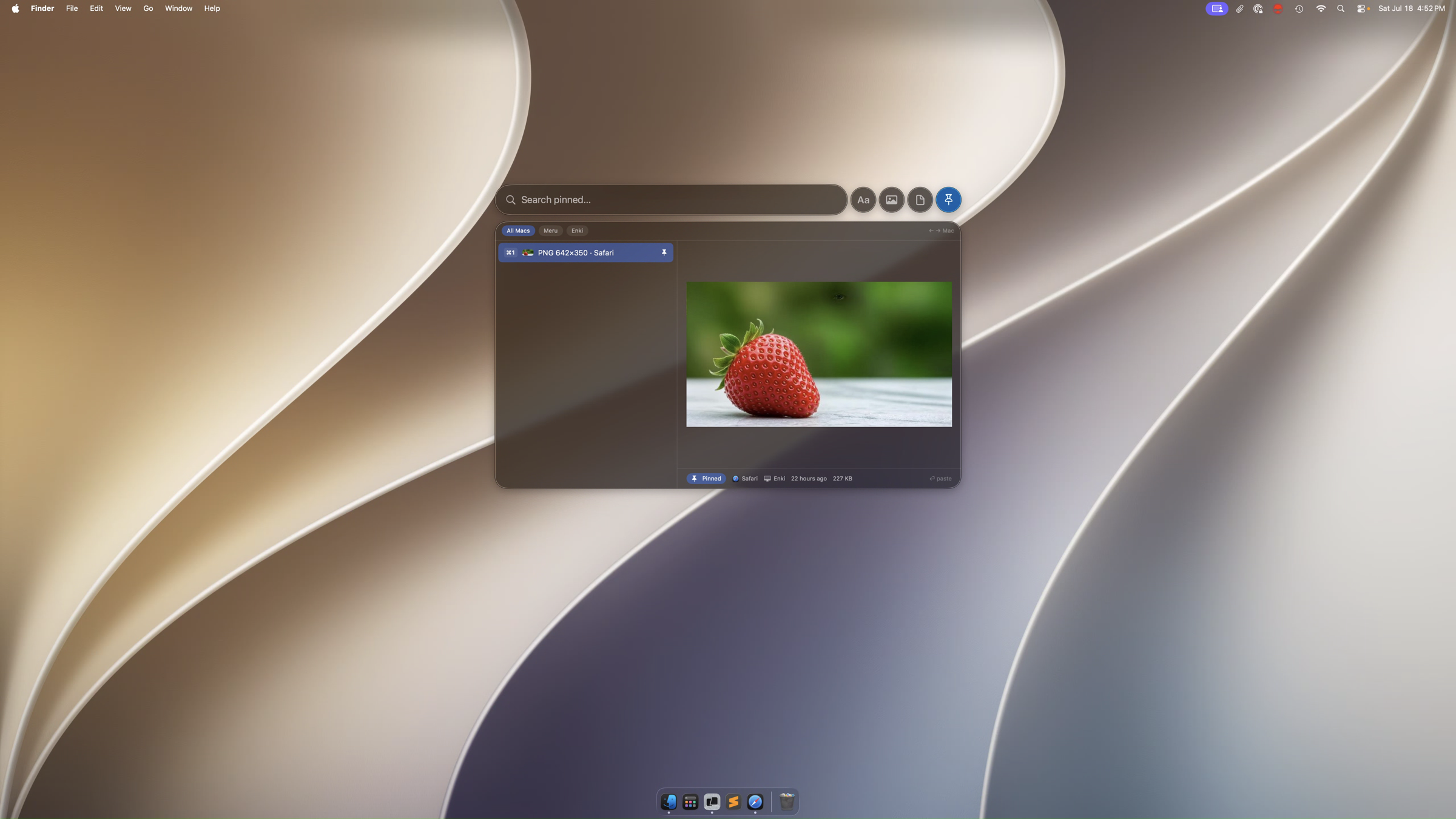
Tab to scope to text, images, files, or a specific Mac. Delete anything you don't want to keep. No accounts. No subscription. No clutter. Free.
It's an early preview — read this.
ClipBob is an early preview. The core — capture, cross-Mac sync, and paste — works and is tested. Onboarding and settings are still rough, and you'll hit the occasional edge. It updates itself, so fixes reach you automatically.
If you try it, I'd genuinely like to hear what breaks: jagmeet@cloud-craft.ai.
Requirements: macOS 26 (Tahoe) · Apple Silicon · signed into iCloud for cross-Mac sync.
If you like this
Try Rustic Playground, another Mac app by the same author, or gitreceipts if you build with AI coding agents. Read the blog for notes on building this. Or subscribe for what else is coming.